



RobyCasino App
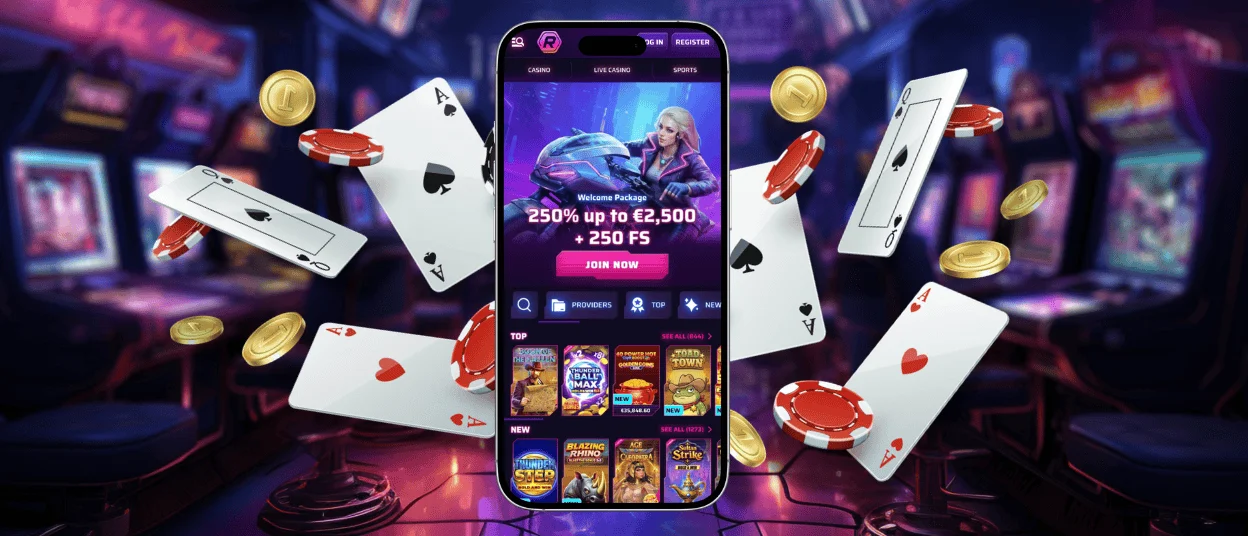
The RobyCasino app is a browser-based PWA for mobile play. It opens RobyCasino Casino on Android and iOS and can be saved as a home-screen shortcut. Nothing needs to be downloaded from an app store.
If you prefer, keep using the site in a regular browser tab. Both routes lead to the same web platform, so there is no separate installation or second account.



Key Features
The mobile version keeps the main casino functions in a layout made for smaller screens. The shortcut only changes how you access the site, it doesn’t create a separate product or profile.
- Browser access Open the site directly on a phone or a tablet.
- Casino lobby: Browse the casino games on your device and play.
- Same account: Sign in with the profile you’ve already registered on the site.
- No APK file: PWA runs in the browser, no Android install package.
- Optional Shortcut: If you want to get there faster, you can add an icon to your home screen.
Roby Casino users can switch between a regular browser tab and the shortcut without changing accounts. Both options open the same mobile lobby.
RobyCasino App for iOS
On iPhone or iPad, open our mobile platform in a browser. Adding a home-screen shortcut is optional and takes only a few steps:
- Open the Roby Casino website in your browser.
- Tap the Share icon.
- Select Add to Home Screen.
- Type a name for the shortcut and click Finish.
The icon opens Roby Casino from the home screen and uses the same account as the regular web version. Removing the icon does not close your account, and browser access remains available.
RobyCasino Application for Windows and macOS
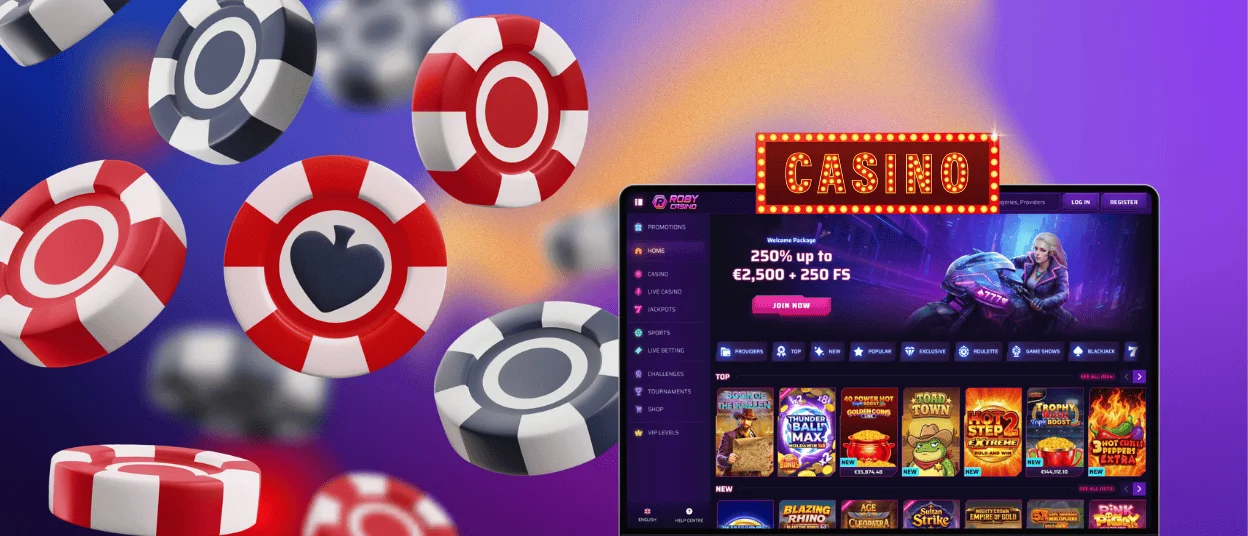
Windows and macOS users can open our site in a desktop browser. No separate .exe or .dmg installation file is needed.
Go to RobyCasino Casino, login and access the web platform as you usually do. For this purpose, do not download software from third-party pages, and keep the browser updated.
RobyCasino Casino for Android
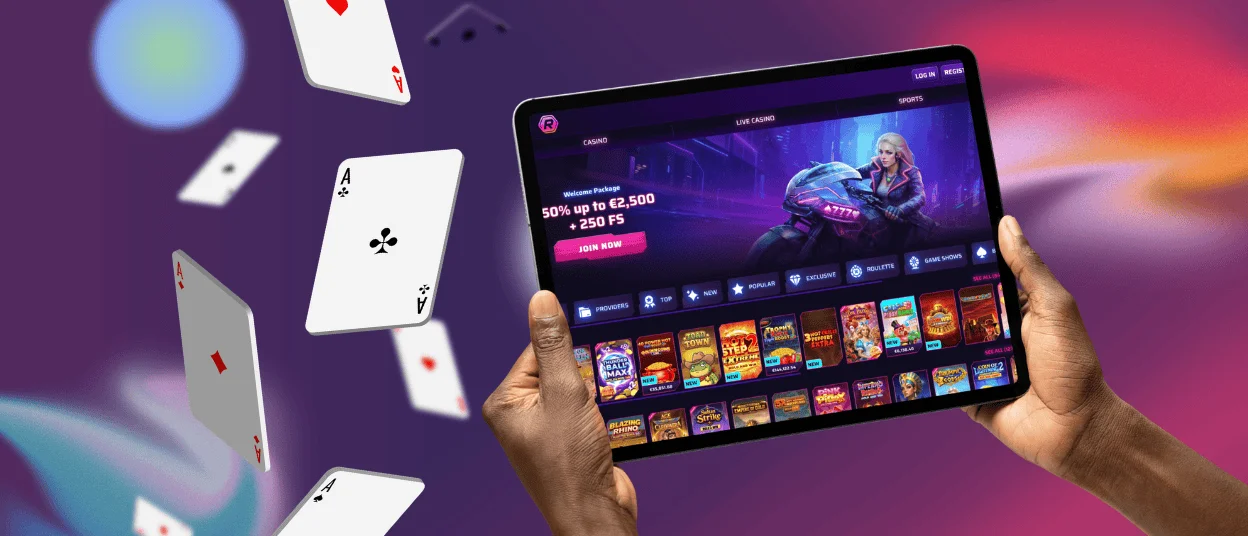
The RobyCasino app is a PWA in the mobile browser, but is available on Android. No APK file or Play Store download is required.
To add a home-screen shortcut:
- Open the Roby Casino website in your Android browser.
- Tap the three-dot browser menu.
- Choose Add to Home screen.
- Enter a name for the shortcut and confirm.
The icon opens the mobile lobby directly. You can remove it at any time and continue using the casino in a regular browser tab.
FAQ
Do I need to allow app permissions to use all features?
No. The casino does not ask for a separate set of app permissions because there is no native installation. Your browser may request access for its own features, so read each prompt before accepting it.
Can I make deposits and request withdrawals on mobile?
After signing in on mobile, open the payment section to see the deposit and withdrawal options available to your account. Methods and limits can vary by location. If an option is missing or a payment fails, contact our 24/7 live chat or email [email protected].
What should I do if a game does not load on mobile?
First, hit refresh and check your internet connection. If that doesn’t work, shut out browser and re-open, then try game again. If the issue persists, please contact our 24/7 live chat or e-mail support.
Can I play live casino games on mobile?
Yeah. Head to the Live Casino section of the mobile lobby for a look at the dealer tables and game shows on offer. Read rules of the game and table limits before joining.


